How to Compare AI Advertising Platforms: A Buyer's Guide
A vendor-neutral way to compare AI advertising platforms: what to test on your own briefs, the data protection questions to ask, credits versus seats, a copyable scoring table and a two-week trial plan.
Team Adverizeo15 min read
On this page
- 1. Decide what job you are hiring the tool for
- 2. Output quality on your own brief
- 3. Language quality
- 4. Platform limits and formats
- 5. Compliance checks: what they actually check
- 6. Data handling
- 7. Exports and portability
- 8. Team workflow
- 9. Pricing models: credits versus seats
- 10. A scoring table you can copy
- 11. A two-week trial plan
- 12. Red flags
- 13. Common mistakes
- 14. Checklist
- If you are evaluating our tool
To compare AI advertising platforms fairly, test them on your own briefs, in your own languages, against the same scoring sheet, and check the data protection paperwork before anyone uploads customer or campaign data. Feature lists and demos look alike across this category; the differences show up in output accuracy, language quality, how well each tool respects platform limits, what its compliance checks really do, and what you pay per usable ad. This buyer's guide gives you the criteria, a scoring table you can copy, a two-week trial plan and the red flags to watch for.
1. Decide what job you are hiring the tool for
"AI advertising platform" covers very different products: tools that write ad copy, tools that generate images or video, tools that manage bids and budgets, and suites that try to do all of it. Before you book a single demo, write down the job in one paragraph. It should answer:
- Output: text ads, image ads, video, landing page copy, or several of these.
- Channels: which ad platforms you actually run, such as Google, Meta, LinkedIn, TikTok, Microsoft, Pinterest or YouTube.
- Languages and markets: every language you publish in, and which countries you target.
- Volume: roughly how many ads, variants or campaigns per month.
- Review: who checks the output before it goes live, and how long they have.
- Hand-off: how the ads get into your ad manager (copy and paste, file upload, or a direct connection).
This paragraph stops you from paying for capabilities you will not use, and it gives every vendor the same question to answer. If you are still deciding how AI fits into your advertising at all, start with the guide to AI-powered advertising.
2. Output quality on your own brief
Demos run on inputs the vendor has chosen. Your evaluation should run on yours. Prepare a test pack of five real briefs that cover your typical work: one product launch, one offer or discount, one B2B or high-consideration product, one product with tight claim rules for your sector, and one awkward case such as a niche product with little public information. For each brief, write down the facts the tool may use and the claims it must not make.
Then judge the output on four questions:
- Is it accurate? Mark every statement that is not in your brief. Invented statistics, awards, customer numbers, discounts and guarantees are the most serious failure, because they create misleading claims you are responsible for.
- Is it specific? Copy that could describe any competitor is easy to generate and hard to use.
- Is it varied? Ask for several variants. If they differ only in synonyms, the tool will not help you test ideas. The guide to ad creative templates and testing explains why distinct variants matter.
- Is it consistent? Run the same brief twice on different days. Large swings in quality mean you will spend more time selecting and fixing.
Where possible, have reviewers score the output blind, without knowing which tool produced it. Brand familiarity and a polished interface bias judgement more than most teams expect.
3. Language quality
If you advertise in more than one language, this criterion often decides the purchase. The EU alone has 24 official languages, and vendors count "supported languages" in different ways. Ask for the exact list and check it against your markets.
Then test quality with a native speaker for each priority language, not with back-translation into English. Ask the reviewer to check:
- Formality. The right choice of formal or informal address for your brand and audience in each language.
- Idiom. Whether the copy reads as written in that language or as translated into it.
- Local conventions. Number formats, currency, dates, units and legally required wording.
- Length. Whether the translated copy still fits the platform limits, since many languages run longer than English.
- Market fit. Whether a claim or reference that works in one market is unsuitable in another.
The multilingual marketing guide covers localisation in more depth.
4. Platform limits and formats
A tool that writes great copy that does not fit is creating work, not saving it. Check whether output respects each platform's current limits as published in the platforms' own help pages. Two examples as of October 2026: a Google responsive search ad takes up to 15 headlines of up to 30 characters and up to 4 descriptions of up to 90 characters, and a LinkedIn single image ad recommends introductory text of up to 150 characters to avoid truncation.
Questions to ask and test:
- Does the tool produce the full set of assets a format needs, or only one headline and one description?
- Does it count characters correctly in every language, including double-width scripts if you use them?
- Does it keep separate limits for each placement, or apply one generic limit everywhere?
- What does "integration" mean in practice: a direct push into the ad manager, a file you upload, or text you copy? All three can be fine, but you should know which one you are buying.
5. Compliance checks: what they actually check
Many tools now advertise compliance features. The useful question is what the check covers and how it explains itself. Ask the vendor to show results on your test briefs, including at least one brief that you know contains a problem.
- Claims. Does it flag unprovable superlatives, comparisons and invented figures? In the EU, authorities and courts can require you to prove the accuracy of factual claims in your ads.
- Environmental wording. Since 27 September 2026, Directive (EU) 2024/825 prohibits generic environmental claims such as "eco-friendly" or "green" unless recognised excellent environmental performance can be shown, according to the European Commission's questions and answers on the directive. A tool aimed at EU advertisers should flag these.
- Price reductions. In the EU, an announced price reduction must, as a general rule, refer to the lowest price applied in at least the 30 days before it. Does the tool warn when a discount is stated without that context?
- Sector rules. Health, finance, alcohol, gambling and other regulated categories have extra rules, which often differ by country.
- Explanations. A score without a reason is hard to act on. Look for specific suggestions you can apply.
Treat any compliance feature as a risk check that supports your own review, not as a legal sign-off. A vendor that promises guaranteed compliance is overselling (see the red flags below). For a deeper look at what to check before using AI for ads, read GDPR and AI marketing tools: what to check before you generate a single ad.
6. Data handling
Briefs, product plans, customer lists and performance data can all end up in an AI tool. If the tool processes personal data on your behalf, it acts as your processor under the GDPR, and Article 28 requires a contract (often called a data processing agreement, or DPA) with specific terms. Use these questions before you upload anything sensitive:
| Question | Why it matters | What a good answer looks like |
|---|---|---|
| Where is data stored and processed? | Transfers outside the EEA need a transfer mechanism under Chapter V of the GDPR, such as an adequacy decision or standard contractual clauses. | Named regions, plus the transfer mechanism used for any non-EEA processing. |
| Is there a DPA you can sign? | Article 28 requires a contract that covers instructions, confidentiality, security, assistance and audits. | A DPA available before purchase, not only on request after signing. |
| Who are the subprocessors? | A processor needs your prior authorisation to use other processors, and must tell you about changes so you can object. | A published list, including AI model providers and hosting, with a way to get change notices. |
| Are your inputs or outputs used to train models? | Briefs can contain unreleased products, pricing and client data. | A clear written answer for the vendor and for each model provider it uses, with any opt-out stated. |
| How long is data kept, and what happens when you leave? | Article 28 requires deletion or return of personal data at the end of the service, unless law requires keeping it. | Stated retention periods and a deletion process you can trigger. |
| Which security evidence exists? | The DPA must let you verify compliance, including audits. | Documentation of security measures and any independent certifications, stated accurately. |
| Who can see what inside your account? | Agencies and multi-brand teams must keep clients apart. | Roles, separate workspaces and access controls you can test. |
For US-based vendors and subprocessors, ask whether they rely on the EU-US Data Privacy Framework, which the European Commission recognises as adequate only for certified US organisations, or on another transfer mechanism. The guide to data processing agreements for marketers walks through a DPA clause by clause.
7. Exports and portability
Your ads, variants and brand settings are work you have paid for. Before buying, check:
- Which export formats exist (for example CSV, spreadsheet, JSON or plain text) and whether bulk export is possible.
- Whether exports include all variants and metadata, such as language, platform and date, or only the final text.
- Whether you can import an export into your ad manager's bulk upload or your own spreadsheet without heavy reformatting. Test this with one real campaign during the trial.
- What happens to your history if you downgrade or cancel, and how long you have to download it.
A tool with no practical export path creates switching costs that never appear on a pricing page.
8. Team workflow
For a solo marketer, workflow is a minor point. For an agency or a team with several reviewers, it can decide whether the tool gets used at all. Check:
- Roles and permissions: who can create, edit, approve and export.
- Brand settings: whether tone, banned words and product facts can be saved per brand or client, so every user starts from the same rules.
- Review flow: comments, approval status and a record of who changed what.
- Client separation: separate workspaces for each client, with no shared data between them.
- Batch work: whether you can create many ads from a list instead of one at a time.
Agencies can find more on multi-client setups on the agencies page.
9. Pricing models: credits versus seats
Pricing in this category usually follows one of three models, often combined:
| Model | How it works | Works well when | Watch for |
|---|---|---|---|
| Per seat | A fixed price per user per month | Many users, steady high volume | Paying for occasional users; caps hidden behind "fair use" |
| Credits or usage | A monthly allowance of credits, with each generation using some | Variable volume, few users | Different credit costs per output type; unused credits expiring; overage prices |
| Feature tiers | Plans unlock features such as languages, team roles or advanced formats | Clear needs that match one tier | A key feature only in a much higher tier |
Headline prices are hard to compare across models, so calculate the cost per usable ad instead. Use your trial data:
- Count how many ads you need per month in total, across languages and platforms.
- Work out from the trial what share of generated ads were usable after light editing.
- Work out how many credits, seats or plan limits that volume requires, including regenerations.
- Divide the monthly cost by the number of usable ads, then add an estimate of review and editing time.
Also check annual commitment terms, what happens when you exceed limits, and whether the plan you need includes the languages and team features you identified in step 1. Review the current terms on each vendor's pricing page before you commit.
10. A scoring table you can copy
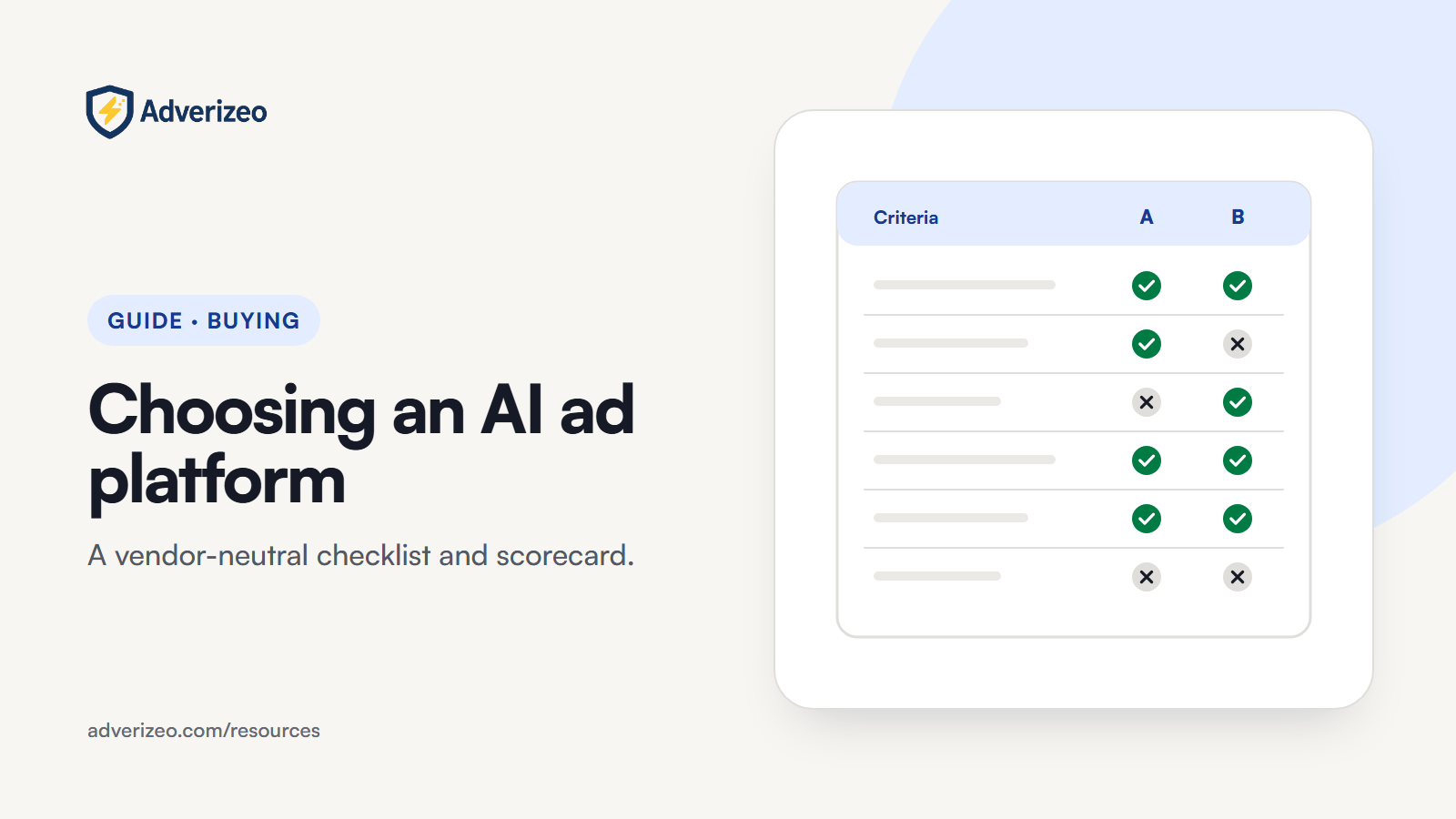
Copy this into a spreadsheet, adjust the weights to your priorities (they should add up to 100), and score each tool from 1 to 5 on your own test briefs. Multiply each score by its weight, add the results, and divide by 5 to get a score out of 100.
| Criterion | Suggested weight | How to test it | Score (1 to 5) |
|---|---|---|---|
| Accuracy (no invented facts) | 20 | Count unsupported statements across your five test briefs | |
| Usefulness and variety of copy | 15 | Blind review of variants by two people | |
| Language quality | 15 | Native-speaker review per priority language | |
| Platform limits and formats | 10 | Check character counts and complete asset sets for each channel | |
| Compliance checks | 10 | Run briefs with known problems and see what gets flagged and explained | |
| Data handling and DPA | 10 | Review the DPA, subprocessor list, training policy and retention | |
| Exports and portability | 5 | Export one real campaign and load it into your workflow | |
| Team workflow | 5 | Have two users run one brief through review and approval | |
| Cost per usable ad | 10 | Calculate from trial results as in section 9 |
Treat any criterion that fails a hard requirement, such as no DPA or no support for a must-have language, as disqualifying regardless of the total.
11. A two-week trial plan
Most tools offer a free plan or a trial. Use it with a plan, so you compare like with like.
| Days | What to do | Output |
|---|---|---|
| 1 to 2 | Read the DPA, subprocessor list and data use terms. Set up brand settings. Create accounts for every reviewer. | Go or no-go on data handling |
| 3 to 5 | Run all five test briefs on every tool you are comparing, in your main language and channels. | Raw output saved in one shared document |
| 6 to 7 | Blind review: accuracy, usefulness, variety, platform fit. | First scores |
| 8 to 9 | Run your priority briefs in other languages; native speakers review. | Language scores |
| 10 | Run briefs with known compliance problems; check what is flagged and how it is explained. | Compliance scores |
| 11 to 12 | Export one complete campaign and load it into your ad manager or working files. Test team roles and approval. | Export and workflow scores |
| 13 to 14 | Calculate cost per usable ad, fill in the scoring table, and decide. | Final ranking and decision |
If budget allows, put the best one or two candidates into a small live test in week three: real ads from each tool, run as a proper A/B test in your ad platform. Live results are a stronger signal than internal review alone.
12. Red flags
- "Guaranteed compliance" or "legally safe" promises. No software can guarantee that an ad is lawful in every market. Look for honest wording such as risk check or guidance.
- Performance promises without evidence. Claims of fixed uplifts in clicks or return on ad spend, with no method or source, tell you more about the vendor's marketing than its product.
- No DPA, or a DPA only after you pay. If personal data will be processed, you need the contract terms before you start.
- No subprocessor list. You cannot assess where your data goes.
- Vague answers on training. "We take privacy seriously" is not an answer to "Are my inputs used to train models?"
- Invented facts in the trial. If a tool adds statistics or awards to your test briefs, it will do so in production.
- "Integrations" that turn out to be copy and paste. Not a problem in itself, but a problem if the sales material implied otherwise.
- Unclear credit costs. If you cannot work out what a typical month will cost, assume it will cost more.
- No export, or export only in a proprietary format. This is lock-in.
13. Common mistakes
- Comparing on demos. Demos show the best case. Your briefs show the real one.
- Testing only in English. Language quality can differ sharply between languages within the same tool.
- Letting one enthusiastic user decide. Involve the people who will review and publish the ads.
- Comparing monthly prices instead of cost per usable ad. A cheaper plan that needs heavy editing can cost more in practice.
- Checking data handling last. If the DPA or transfer terms fail, the rest of the evaluation was wasted time.
- Treating compliance scores as approval. They support your review; they do not replace it.
14. Checklist
- Write the one-paragraph job description: output, channels, languages, volume, review and hand-off.
- Build a test pack of five real briefs with allowed facts and forbidden claims.
- Shortlist two to four tools whose language list and channels match your needs.
- Request and read each DPA, subprocessor list and training policy before uploading data.
- Run the two-week trial plan and fill in the scoring table.
- Calculate cost per usable ad for each tool.
- Export one real campaign from your top choice and load it into your workflow.
- Decide, and note the reasons, so you can review the choice in six months.
If you are evaluating our tool
If you include Adverizeo in your comparison, these are the facts to score: it writes ad copy for 24 channels within each channel's format limits, in 20+ languages (22 of the 24 official EU languages plus Norwegian), and every text ad gets a 0 to 100 compliance score with suggestions, which is a risk check rather than a legal guarantee. Exports are CSV, Excel, JSON or text files; it does not publish ads to ad managers. Plans are Free (10 credits a month, no card), Starter at $29, Professional at $99 and Agency at $249, listed on the pricing page, and you can start the trial plan above by creating a free account.
This guide is general information, not legal advice.