Complete Guide to LinkedIn Advertising for B2B (2026)
LinkedIn advertising for B2B as of October 2026: objectives, ad formats with verified text limits, targeting and EU restrictions, Insight Tag, Conversions API, Lead Gen Forms, budgets and testing.
Team Adverizeo18 min read
On this page
- 1. When LinkedIn is the right channel
- 2. Campaign structure and objectives
- 3. Ad formats and text limits
- Thought Leader Ads
- Which format for which job
- 4. Targeting options and EU restrictions
- What is restricted in the EU, EEA and Switzerland
- 5. Insight Tag and Conversions API
- Insight Tag
- Conversions API
- 6. Lead Gen Forms and the data they collect
- Making Lead Gen Forms GDPR-ready
- 7. Budgets: work from your own numbers
- Bidding strategies
- 8. B2B copy that works on LinkedIn
- 9. Testing on LinkedIn
- 10. Common mistakes
- 11. Checklist: what to do this week
- Where Adverizeo fits
LinkedIn advertising is the most direct paid route to people by job title, seniority, company and industry, which is why B2B teams use it even though it is often not the cheapest channel per click. This guide covers LinkedIn advertising for B2B as of October 2026: the campaign structure and objectives, each ad format with its text limits, targeting and the EU restrictions on it, the Insight Tag and Conversions API, Lead Gen Forms and the data they collect, how to set a budget without borrowed benchmarks, the copy that works with a professional audience, and how to test.
All limits and settings below were checked against LinkedIn's own help pages. LinkedIn updates Campaign Manager regularly, so confirm a number on the linked page before a large launch.
1. When LinkedIn is the right channel
LinkedIn earns its place when your buyer is defined by their job rather than their interests: a finance director at a company with 200 to 1,000 employees, an IT security lead in manufacturing, a practice owner in a specific profession. No other major ad platform lets you target by stated job title, function, seniority and employer as directly.
It is usually the wrong first channel when:
- your product is bought by consumers, even if they happen to be professionals;
- the deal value is too small to absorb a high cost per lead (do the maths in section 7 first);
- you have no follow-up process, so leads will sit in a spreadsheet;
- you cannot describe the buyer in LinkedIn's terms (title, function, seniority, industry, company size).
2. Campaign structure and objectives
Starting in October 2025, LinkedIn has been renaming the levels in Campaign Manager to match other ad platforms, rolling the change out gradually. What used to be a campaign group is now a campaign, and what used to be a campaign is now an ad set. The hierarchy is now Account, Campaign, Ad set, Ad. Older tutorials and some reporting tools still use the old names, so check which level they mean.
The objective is chosen when you set up the campaign and determines which formats, optimisation goals and bidding options are available. LinkedIn groups its objectives by funnel stage:
| Stage | Objective | Use it for |
|---|---|---|
| Awareness | Brand awareness | Getting a new company or category in front of a defined audience. |
| Consideration | Website visits | Sending people to a page; useful while conversion tracking is not yet reliable. |
| Consideration | Engagement | Likes, comments, shares, follows and clicks on content; good for building retargeting audiences. |
| Consideration | Video views | Getting video watched; lets you bid on a cost-per-view basis. |
| Conversions | Lead generation | Collecting leads in pre-filled LinkedIn forms without leaving the platform. |
| Conversions | Website conversions | Actions you define on your own site, measured with the Insight Tag or Conversions API. |
| Conversions | Job applicants / Talent leads | Recruiting; Talent leads requires LinkedIn Recruiter. |
A common B2B setup has one campaign per goal and audience: an Engagement or Video views campaign to warm up a cold audience, and a Lead generation or Website conversions campaign aimed at people who engaged, visited your site or match your account list.
3. Ad formats and text limits
Most B2B spend goes into Sponsored Content, the ads in the feed. LinkedIn publishes both a recommended length (before text is cut off with "...see more") and a hard maximum. Plan your copy around the recommended length.
| Format | Introductory text | Headline | Other limits |
|---|---|---|---|
| Single image ad | 150 characters recommended, 3,000 maximum | 70 recommended, 200 maximum | Description 100 recommended, 300 maximum (shown in some placements only). Images 1.91:1, 1:1 or 4:5 (vertical serves on mobile only), up to 5 MB. |
| Carousel ad | 150 recommended, 255 maximum | Card headlines up to 45 characters, cut after two lines | 2 to 10 cards, 1:1, 1080 x 1080 px recommended, up to 10 MB per card. |
| Document ad | 150 characters | 70 characters | PDF, DOC, DOCX, PPT or PPTX, up to 100 MB; LinkedIn suggests under 10 pages (300 pages maximum). |
| Video ad | 150 recommended, 3,000 maximum | 70 recommended, 200 maximum | 3 seconds to 30 minutes; LinkedIn recommends 15 to 30 seconds. MP4, 75 KB to 500 MB. |
| Text ad (desktop right rail) | Not applicable | 25 characters | Description 75 characters; 100 x 100 px image. |
| Conversation ad (Sponsored Messaging) | Intro message up to 8,000 characters | Not applicable | CTA buttons up to 25 characters each, up to 5 per message; optional 300 x 250 desktop banner. |
Thought Leader Ads
Thought Leader Ads let a company page sponsor a public post written by a person: an employee, a creator or another member. The person must grant permission, their profile must show their full name, and the post must be public. LinkedIn supports text, single image, video, event, and article or newsletter posts for this format; documents, polls, celebrations, multi-image posts and reposts cannot be promoted. The objectives available are Brand awareness and Engagement, plus Video views for video posts. Because the ad looks like a person talking rather than a brand, it suits opinions, lessons learned and practical advice. It does not suit hard offers, and you cannot add a CTA button to image or video Thought Leader Ads (a URL can go in the text instead).
Which format for which job
- Single image: a clear offer or event; the default for testing messages.
- Document: a guide, checklist or report excerpt read in the feed. It works well for showing expertise before you ask for anything.
- Carousel: a sequence (steps, features, before and after).
- Video: a product demo or a short explanation by a real person from your team.
- Thought Leader: credibility through a named person's own post.
- Conversation ad: a choose-your-path message for a warm audience. Use it sparingly; a message inbox is personal space.
4. Targeting options and EU restrictions
Location is required for every ad set. On top of it, LinkedIn's targeting page lists these attribute groups:
- Company: category, connections, followers, growth rate, industry, name, revenue, size.
- Job experience: job title, job function, job seniority, member skills, years of experience.
- Education: degrees, fields of study, member schools.
- Demographics: member age, member gender.
- Interests and traits: member groups, member interests, member traits.
- Devices: device operating system and type.
- Custom audiences: Matched Audiences (website retargeting, contact lists, company lists, engagement audiences, lead form audiences) and Predictive Audiences.
An ad set needs at least 300 members to run, but LinkedIn suggests a minimum of 50,000 to drive results, and at least 300,000 for Sponsored Content and Sponsored Messaging. A very narrow audience (one title in one country) often fails to spend, or spends at a high cost. A practical starting point is job function plus seniority plus industry or company size, then narrowing once you have data.
What is restricted in the EU, EEA and Switzerland
| Restriction | What changed | What to do |
|---|---|---|
| Member Groups targeting | No longer available for the EEA and Switzerland since 15 May 2024. The European Commission confirmed on 7 June 2024 that LinkedIn had disabled group-based ad targeting in the EU after questions under the Digital Services Act about ads based on sensitive data. | Use skills, job function and interests instead. Do not try to rebuild group membership through uploaded lists. |
| Age and gender | LinkedIn notes these attributes may be limited when targeting the EEA or Switzerland. | Build audiences around professional attributes; they matter more in B2B anyway. |
| Minors | LinkedIn does not let advertisers choose age ranges that include under-18s, and in the EU and some other countries it seeks to exclude members whose profiles suggest they may be under 18. | Nothing to set, but do not plan student campaigns around profiling. |
| Member opt-in | Members in the EU, EEA and Switzerland must opt in before LinkedIn uses their inferred city location, inferred age or gender, LinkedIn activity data and inferred interests and traits for ads, and before it uses data from outside LinkedIn that it can connect to them, such as Matched Audiences, conversion tracking and partner data for ads shown off LinkedIn (for example on the LinkedIn Audience Network). | Expect smaller retargeting and interest audiences in Europe than in the US for the same traffic. |
| Matched Audiences size | LinkedIn notes their size may be limited in the EEA and Switzerland. | Combine lists with professional targeting rather than relying on a list alone. |
| Sponsored Messaging | In the EEA and Switzerland, only members who opted in to such ads in their inbox receive them. | Expect lower reach for message formats in Europe. |
Two Digital Services Act rules apply directly. Article 26(3) bans ads based on profiling that uses special category data such as health, religion, political opinions, trade union membership or sexual orientation, so do not upload lists or pick attributes that stand in for those categories. Article 28(2) bans profiling-based ads to users the platform knows are minors. LinkedIn's Ad Library also shows ads that ran after 1 June 2023 for one year after their last impression; for ads targeted to the EU it shows the main targeting parameters the advertiser selected, whether each was used to include or exclude, impressions and a breakdown by country. Assume your competitors can see your targeting.
For the GDPR side (legal basis, contact lists, data processing agreements), see our LinkedIn Ads GDPR compliance guide for European companies; this guide does not repeat it.
5. Insight Tag and Conversions API
LinkedIn measures website results in two ways, and it recommends using both.
Insight Tag
The Insight Tag is a small JavaScript snippet on your site. According to LinkedIn's FAQ, it collects the URL, referrer, IP address, device and browser characteristics and a timestamp. IP addresses are truncated or hashed, members' direct identifiers are removed within seven days to make the data pseudonymous, and the remaining pseudonymous data is deleted within 180 days. The tag powers conversion tracking, website retargeting audiences and demographic reporting on your site visitors.
In the EU, the tag sets and reads cookies on the visitor's device, so load it only after the visitor has given consent in your cookie banner. LinkedIn's GDPR page says it needs members' consent before it uses conversion tracking data it can connect to them, and it recommends that advertisers take their own legal advice; the cookie consent on your site is yours to collect. Our posts on cookie consent and GDPR retargeting explain the setup.
Conversions API
The Conversions API sends events from your server or CRM to LinkedIn. This matters in B2B, where the valuable event (a qualified opportunity, a signed contract) often happens weeks after the click and outside the browser. Email addresses are hashed with SHA-256 before sending. You can connect through a LinkedIn marketing partner (CRM and tag-management integrations) or build a direct integration. When an event arrives through both the Insight Tag and the Conversions API, LinkedIn deduplicates it and counts it once.
Setup steps that work for most B2B teams:
- Install the Insight Tag behind your consent banner and check in Campaign Manager that it is receiving signals.
- Create conversions for the actions that matter: demo request, trial start, contact form, and later qualified lead and closed deal from the CRM.
- Choose a conversion window that fits your sales cycle; LinkedIn lets you set click and view windows (for example 90-day click).
- Connect the Conversions API, starting with lead and opportunity stages from your CRM.
- Optimise campaigns for the deepest event that still gets enough volume.
6. Lead Gen Forms and the data they collect
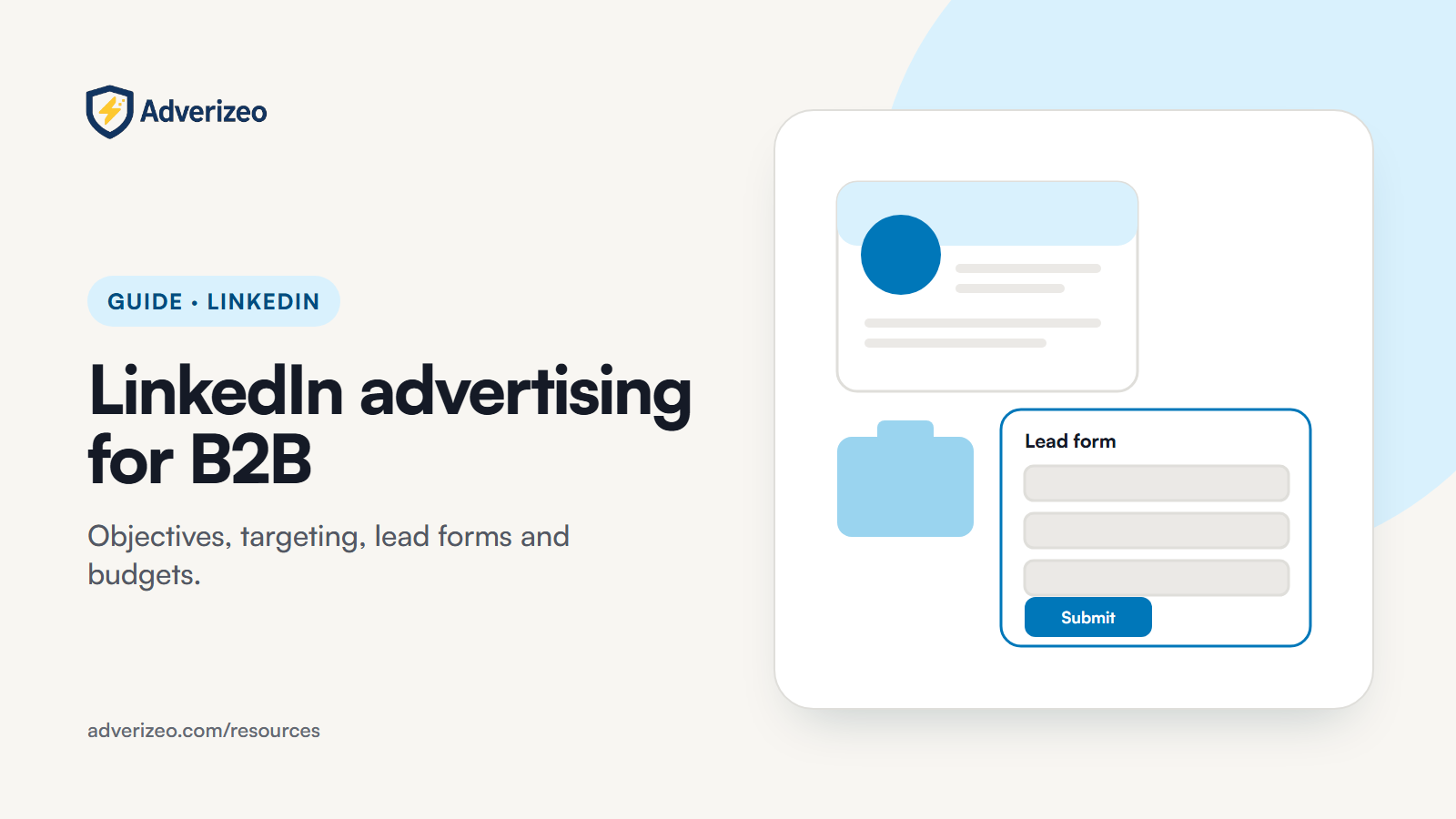
Lead Gen Forms open inside LinkedIn and are pre-filled from the member's profile, so the member submits in a couple of taps. That convenience is also the main risk: leads come in fast and with less intent than a person who typed their details on your site. The rules, from LinkedIn's help pages:
- Up to 12 fields per form. LinkedIn itself recommends three to four.
- Pre-filled categories: contact, work, company, education and demographic fields. Gender is not pre-filled. Members can edit email, phone and any field their profile does not fill.
- Up to 3 custom questions (multiple choice or short text). They count toward the 12 and are required.
- Up to 5 custom checkboxes for consent or disclosures. These are optional for the member and do not count toward the 12.
- Hidden fields let you attach your own tracking values to each lead.
- A privacy policy URL is required for the form to be approved.
- Storage: LinkedIn's help page states that collected member profile data can only be stored for one year under its member privacy policy. Download leads as CSV from Campaign Manager or, better, sync them to your CRM through an integration.
Making Lead Gen Forms GDPR-ready
- Ask only for what your sales process uses. A field "just in case" is personal data you must justify, secure and delete.
- Use one custom checkbox per separate purpose, for example newsletter consent, and never pre-tick it.
- Say in the form and the thank-you message what happens next and when: "We will email the report now and call within two working days." LinkedIn does not send content to the member for you; put an ungated link in the thank-you message or email it yourself.
- Use a qualifying custom question (team size, timeline, current tool category) to separate real prospects from content collectors.
- Record the legal basis you rely on for follow-up. Our guide on legitimate interest vs consent helps you choose, and the post on data subject access requests covers what to do when a lead asks what you hold.
7. Budgets: work from your own numbers
LinkedIn's minimum daily budget is 10 US dollars, for any ad format, and the minimum lifetime budget for a new campaign that has not started is 100 US dollars. LinkedIn suggests a higher default for new campaigns than the minimum. The minimums are not a plan, though. You will find many "average LinkedIn CPC" figures online; they mix industries, countries and objectives and tell you little about your account. Work backwards from your own funnel instead:
- Value of a customer: first-year revenue or gross margin per closed deal.
- Your conversion rates: from lead to qualified lead, and from qualified lead to customer, from your CRM.
- Affordable cost per lead = customer value x lead-to-customer rate x the share of that value you are willing to spend on acquisition.
- Test budget = affordable cost per lead x the number of leads you need to judge a test (decide this number before launch).
If the test budget is far beyond what you can spend, either narrow the test (one audience, two messages) or optimise for an earlier event first, such as document engagement or website visits, while you build retargeting audiences.
Bidding strategies
| Strategy | How it works | Charged by | When to use it |
|---|---|---|---|
| Maximum delivery | LinkedIn bids automatically to spend your budget and get the most results. | Impressions (CPM) | New ad sets without history; available for all objectives. |
| Cost cap | You set an average cost per result that LinkedIn tries to stay under. | Impressions (CPM) | Once you know your affordable cost per result. Available for Brand awareness, Website visits, Engagement, Video views and Lead generation. |
| Manual bidding | You set the bid per result yourself. | CPC, CPM, CPV or per send, depending on objective and format | When you need strict control over cost, accepting that delivery may be lower. |
8. B2B copy that works on LinkedIn
People scroll LinkedIn in a work frame of mind, but they are still scrolling. The first 150 characters of introductory text decide whether anyone reads on. Principles that hold up:
- Name the reader. "For finance teams closing the month in Excel" filters better than any targeting setting and tells the right people this is for them.
- Lead with the problem in their words, not your category. Buyers search for "month-end takes 10 days", not for "financial close automation platform".
- Offer something useful before asking for a meeting. A checklist, a calculator, a benchmark from your own data, a short guide. Cold audiences rarely book demos from one ad.
- Be specific and checkable. Concrete numbers you can prove, named integrations, a clear price or price range. Vague superlatives read as noise.
- Keep the headline short and concrete. Within 70 characters, state the offer: "Free month-end close checklist (PDF, 6 pages)".
- Match the CTA to the stage. "Download" for a cold audience, "Request demo" only for people who already know you.
- Localise for Europe. A German-speaking IT manager responds better to German copy that uses local terms than to translated US English. Run separate ad sets per language.
- Avoid sensitive personal framing. Lines like "Struggling with your health?" imply you know something sensitive about the reader, which is poor practice and sits badly with the DSA rules in section 4.
9. Testing on LinkedIn
LinkedIn audiences are smaller and results more expensive than on consumer platforms, so tests need to be simpler.
- Test one thing at a time and keep everything else identical: same audience, same format, same budget.
- Test messages first, formats second. The angle (cost, risk, time, proof) usually matters more than whether it runs as image or document.
- Run two to three ads per ad set, not ten. With small audiences, more variants mean none of them gets enough data.
- Judge on the deepest metric you can measure: qualified leads or opportunities from the CRM, not click-through rate.
- Use demographic reporting to check who actually saw and clicked your ads (titles, companies, seniority), and exclude segments that do not fit.
- Write down the result and the decision, then roll the winning angle into the next format test.
For a structured way to generate and rotate variants, see our guide to ad creative templates and testing, and for how AI fits into that work, the guide to AI-powered advertising.
10. Common mistakes
- Running on the LinkedIn Audience Network without checking where the ads actually appeared and who saw them.
- Audiences that are too narrow. An ad set that barely clears 300 members rarely spends well.
- Judging success on CPC or CTR. A cheap click from the wrong job title is still a wasted click.
- Insight Tag firing before consent on EU traffic, or not firing after consent because the tag manager trigger is wrong.
- Lead Gen Form leads left in Campaign Manager instead of synced to the CRM, so follow-up is slow and data is kept longer than needed.
- Forms with 8 or more fields that ask for things sales never uses.
- Asking for a demo from a cold audience. Offer value first, then retarget.
- Translating instead of localising European copy, or running several languages in one ad set.
- Using old tutorials that still say "campaign group" and mixing up the levels when setting budgets.
- Copying a competitor's targeting from the Ad Library without checking it fits your own buyer.
11. Checklist: what to do this week
- Write down your buyer in LinkedIn terms: job function, seniority, industry, company size, countries.
- Calculate your affordable cost per lead from CRM numbers (section 7).
- Check the Insight Tag loads only after consent, and that conversions are recording in Campaign Manager.
- Plan a Conversions API connection for qualified-lead and opportunity stages.
- Cut your Lead Gen Form to three or four fields plus one qualifying question, and add a separate unticked checkbox for marketing consent.
- Confirm the form's privacy policy URL and set up a CRM sync.
- Remove any targeting that could stand in for special category data.
- Write two message angles for one audience and one format, each with an introductory text under 150 characters and a headline under 70.
- Look up your own ads in LinkedIn's Ad Library and check what they reveal.
- Book a review date and the minimum result you need before calling the test.
For the broader compliance picture, read our guide to GDPR-compliant marketing for European SMEs and the explainer on data processing agreements for marketers.
Where Adverizeo fits
Adverizeo writes LinkedIn ad copy within each format's limits, in more than 20 languages and in your brand voice, and Batch Create helps agencies prepare many variants in one run. Every text ad gets a compliance score from 0 to 100 with suggestions, a risk check rather than a legal guarantee, and results export as CSV, Excel, JSON or text files for your own workflow (not as a native Campaign Manager import). See how it works for agencies, try the free GDPR ad checker, or start on the free plan with 10 credits a month and no card.
This guide is general information, not legal advice.